Pinterest for bridal beauty pros: the slow-burn channel that books weddings months out
Mandy at PrettyPilotJune 22, 20269 min read
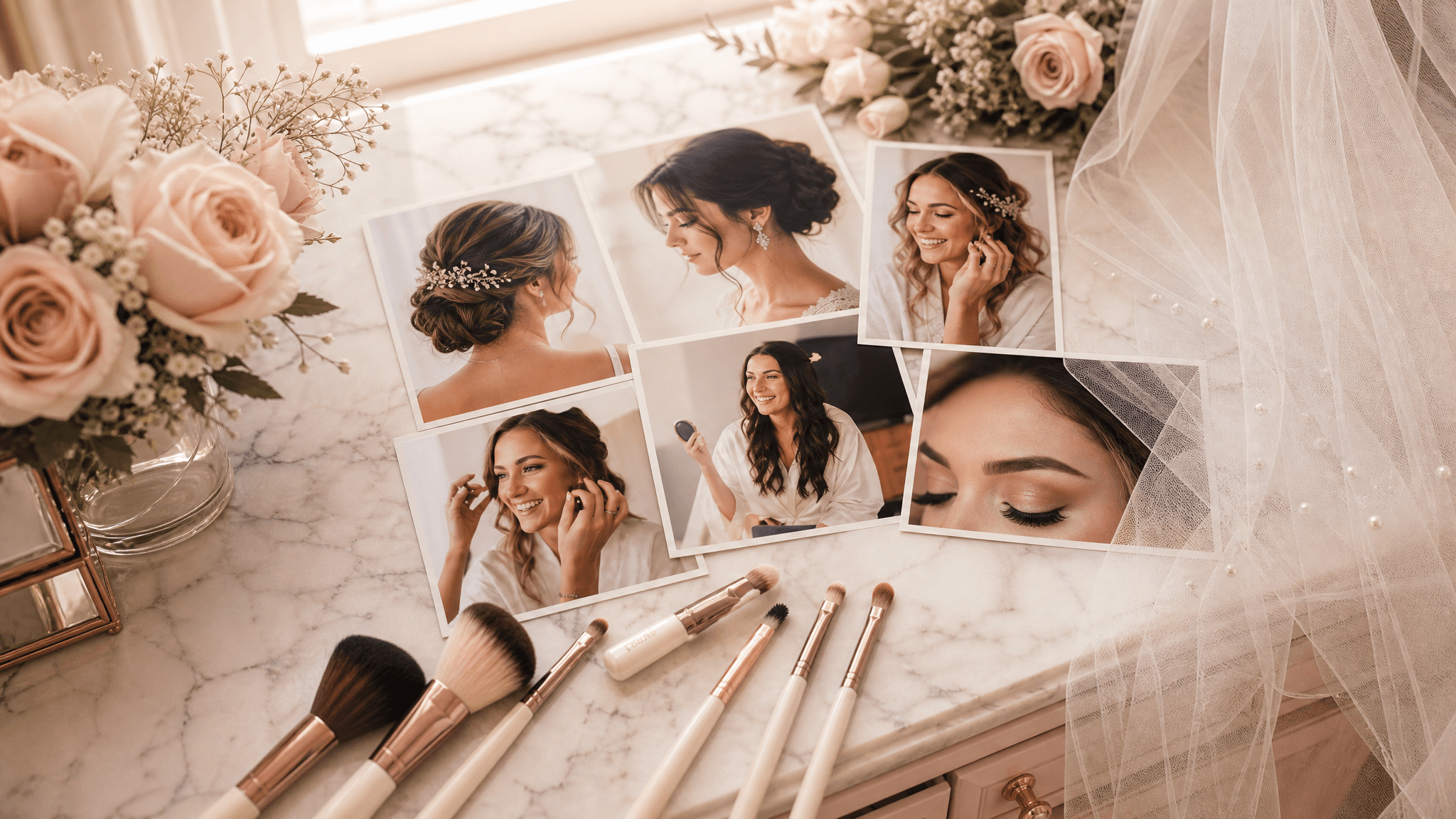
Here's a thing most beauty pros get backwards. We pour everything into Instagram, where brides like our work, and we ignore the one place they actually plan the wedding.
That place is Pinterest.
A bride opens Instagram to feel something. She opens Pinterest to decide something. She's building a board called "my wedding" at 11pm, and she is putting hair and makeup looks on it eight, ten, twelve months before the date. If your work is in those results, you get found by her while she's still choosing. Not after she's booked someone else.
The catch, and the reason I love it, is that Pinterest is slow. A pin doesn't blow up today and die tomorrow like a Reel. It sits in search and keeps getting found for months, sometimes years. That's the opposite of the Instagram treadmill, and for a wedding business that books a year out, it's a gift. You do the work once and it keeps introducing you.
Let me walk you through setting it up the way I'd actually do it, in order, no fluff.
first, understand what Pinterest actually is
Pinterest is not social media. I know it looks like it. But nobody's there to chat or rack up followers. Pinterest is a visual search engine. People type what they want and it shows them pictures that match.
That one fact changes everything about how you use it. You're not posting for your followers. You're answering searches. Which means the whole game is: figure out what a bride types, then make a pin that is the obvious answer.
If you've read my local SEO guide, this will feel familiar. Same idea, different search bar. Get found when someone close to booking is looking for exactly what you do.
step 1: get a business account (and why it's not optional)
If you're already on Pinterest with a personal account, convert it to a free business account. It takes two minutes in settings, and it unlocks the two things you need: analytics (so you can see which pins actually get found) and the ability to verify your website.
Do the website verification. Pinterest gives you a snippet or a file, your website is where it goes, and once it's verified Pinterest trusts your pins more and sends people who click straight to your site. If you don't have a real website yet and you're sending people to a Fresha or StyleSeat link, this is one more reason that's costing you. A booking link can't be verified or ranked the way a real site can. I get into exactly why in the bridal portfolio website guide.
step 2: name yourself the way brides search
Your profile is searchable text, so use it like a sign, not a diary.
Your display name should be your name or brand plus what you do and where. "Mandy Rose | Bridal Hair & Makeup, Charlotte NC" beats "Mandy ✨" every time. The words "bridal," "makeup," and your city are doing real work there. A bride searching "Charlotte bridal makeup" can only find you if those words exist somewhere she's looking.
Your bio gets the same treatment. One warm sentence about who you help, with the words a bride would type. "I do soft, long-wearing bridal hair and makeup for brides across the Charlotte area." Done. Not poetry. Findable.
step 3: build boards that match how brides think
Brides don't think in "my portfolio." They think in moments and styles. So build boards around the things they're actually searching and saving.
Good boards to start with:
- Bridal Makeup Looks
- Bridal Hair (Updos, Down, Half-Up)
- Natural / Soft Glam Bridal
- Bridesmaid Hair & Makeup
- Wedding Day Timeline & Tips
- Real Brides (your actual work)
Name each board with the words people search, and write a one-line description for it using those words too. The description is searchable. Most people leave it blank, which is free real estate they're handing to you.
One board should be all your real work, clearly labeled. That's your portfolio doing portfolio things. The rest can mix your work with a few genuinely useful saves, but lean heavy on your own photos. Your pins are the ones that send brides to you.
step 4: pin your own work, the right way
This is where it clicks or it doesn't.
A pin that gets found is a tall, vertical image (think 2:3, like 1000 by 1500 pixels) with a clear, well-lit photo of one look. Vertical wins because it fills more of the screen on a phone, which is where Pinterest lives.
For each pin you upload, you fill in three things, and all three are searchable, so none of them are throwaways:
- Title: describe the look the way a bride searches it. "Soft romantic bridal updo with face-framing pieces." Not "IMG_4032."
- Description: a sentence or two with natural keywords. Where you work, the style, who it's for. "Natural glam bridal makeup for an outdoor summer wedding, done on location in the Charlotte area. Long-wearing and photo-friendly."
- Link: send it to the matching page on your website, not your homepage. If you have a bridal makeup page, the bridal makeup pin goes there.
That link is the whole point. Instagram fights you on links. Pinterest is built to send people to your site. Every pin is a door back to you.
Do this: pin a few of your strongest real looks a week, each tall, each titled and described like a search result, each linked to your site.
Not that: dump forty screenshots at once with no titles, linked to nothing. Pinterest reads that as noise, and so do brides.
A compliance note, because it matters and it's the same rule everywhere: pin real work. Brighten it, crop it, make it look like it did in the room. Never pin a "result" you didn't create or a look you smoothed into a different face. Brides compare your pins to your chair. Don't build a gap you can't deliver.
step 5: be consistent, not heroic
You do not need to pin fifty times a day. The tired old advice to spam-pin is dead. A handful of strong, fresh pins a week, steady, beats a thousand in one frantic afternoon.
"Fresh" matters more than "many." A fresh pin is a new image Pinterest hasn't seen, even if it's a look you've posted elsewhere. So that bridal trial you shot last weekend? New pin. The updo from Saturday? New pin, tall, titled, linked.
If batching is your friend (and it should be), shoot and caption a month of pins in one sitting the same way you'd batch Instagram. I laid out that exact system in a month of Instagram in one sitting. Same muscle, Pinterest just rewards it longer.
step 6: watch what gets found, then make more of it
After a few weeks, open your analytics. You're looking for one thing: which pins are getting impressions and clicks. Pinterest will quietly tell you what brides in your area are searching by showing you what's working.
See a soft updo pin pulling ahead? Make three more soft updo pins. Lean into what the data hands you instead of guessing. This is the part DIY-ers skip, and it's the part that compounds.
the honest part
Read back what I just described. A business account, verified site, keyword-named boards, tall pins titled and linked one by one, fresh ones every week, analytics you actually check. It works. It also is, again, a part-time job stacked on the job you already have with a bride in your chair and a phone full of texts.
This is the exact kind of slow, compounding, easy-to-drop work PrettyPilot is built to carry. We run the real website your pins link back to, keep your local search dialed in, and handle the steady social drumbeat so the channels that pay off over months actually get fed, not abandoned in February. And nothing publishes without your yes. Every post is approve-to-send, so it stays your work and your voice.
You make them pretty. We fly the rest.
If you want, set up your Pinterest this week using the six steps above, then give it ninety days before you judge it. Slow channels need a season. And if you'd rather not babysit one more platform, grab a free strategy call at prettypilot.com and bring your handle. I'll tell you which channel is actually worth your time first.
Rather not do all this yourself?
That is the whole point of PrettyPilot. We run your website, local search, social, and reviews for you. Flat monthly fee, no contracts, and you keep 100% of every client.
Start freeYou make them pretty. PrettyPilot flies the rest.